Roman
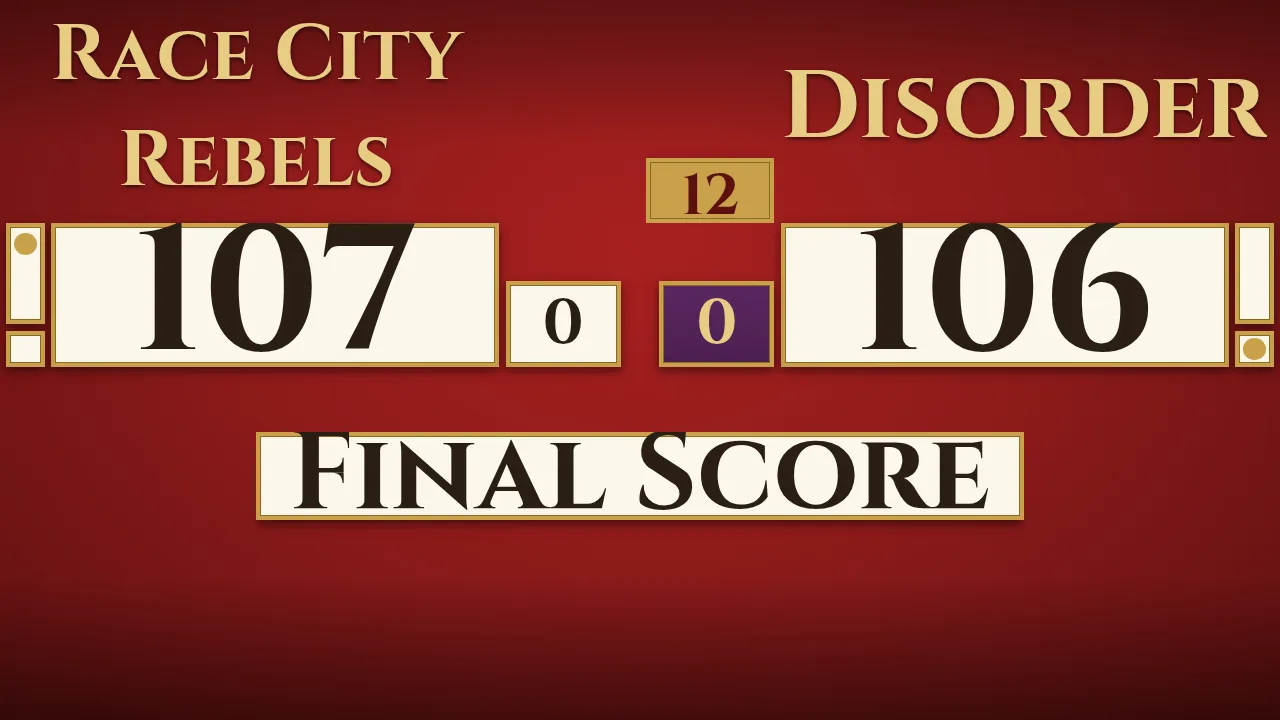
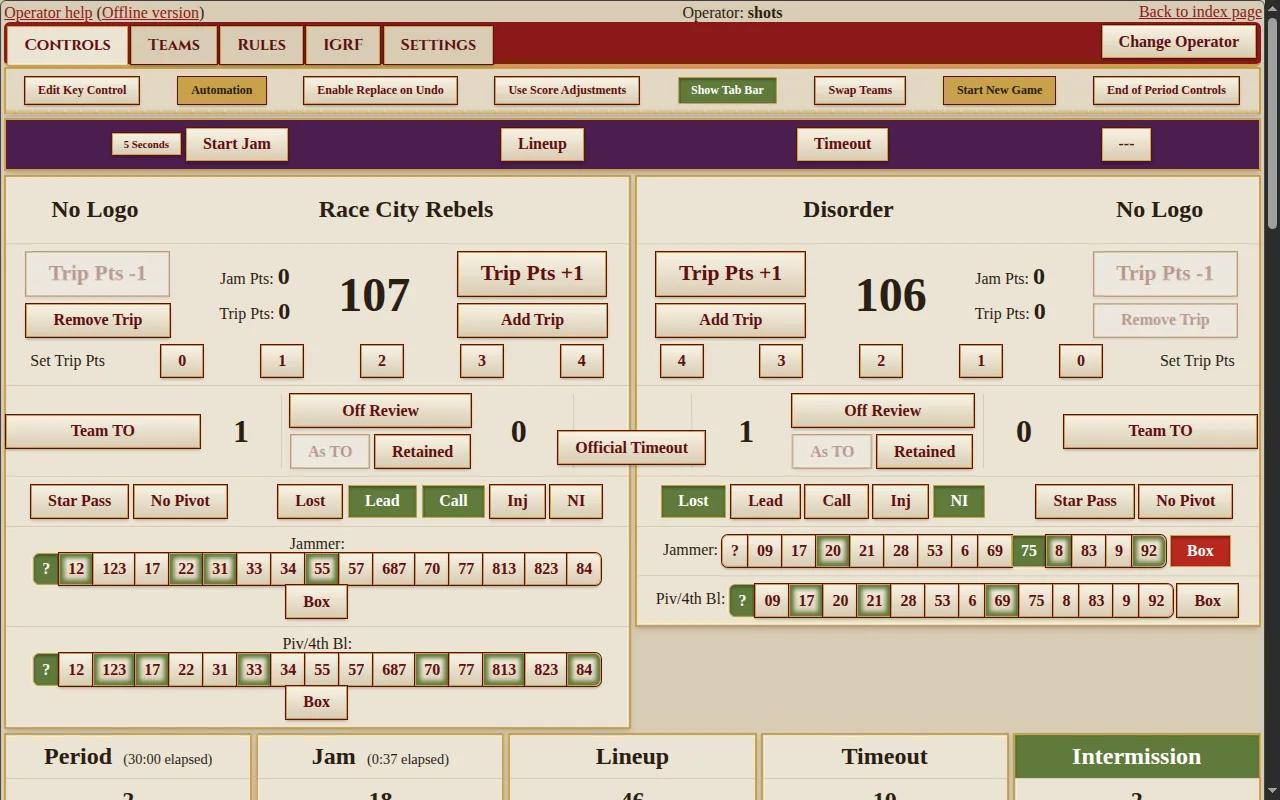
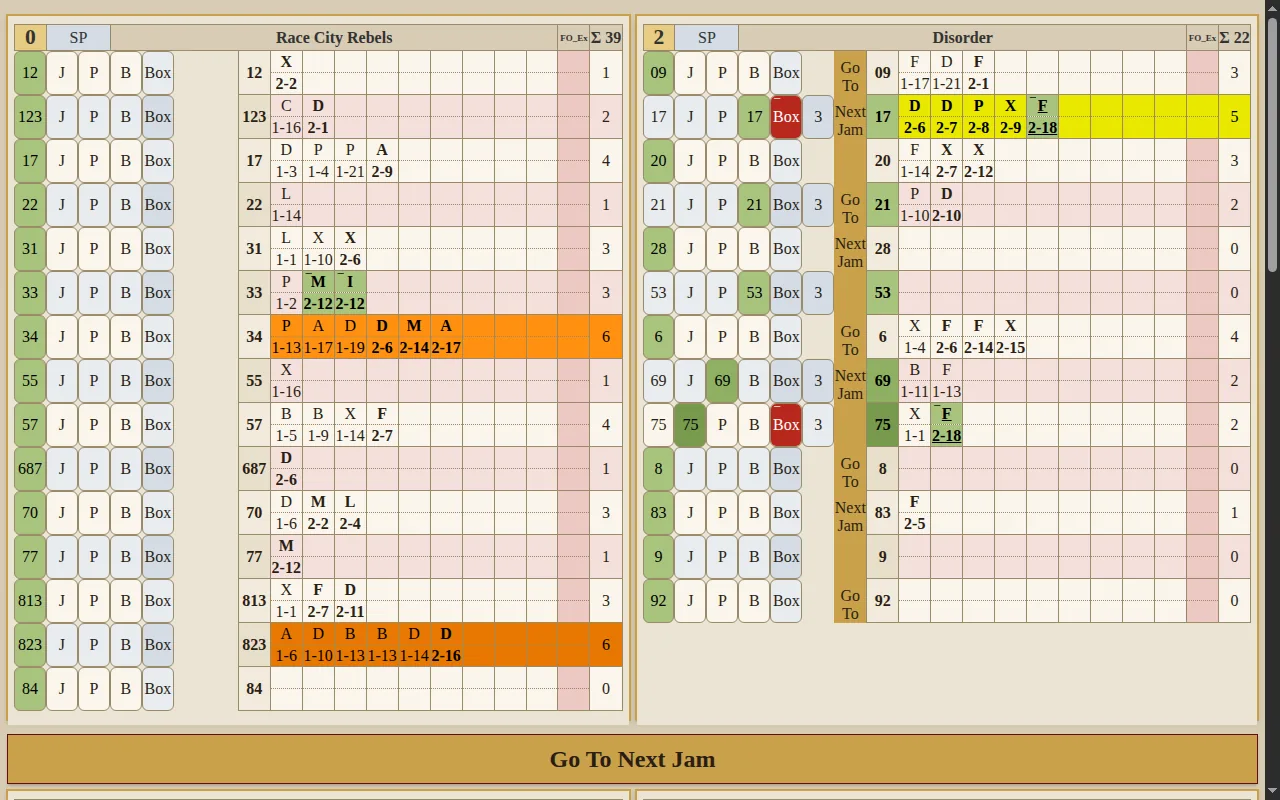
Travertine, imperial red and gold with inscription capitals; gold-framed marble tablets for the scores.
Font: Cinzel (Cinzel-License.txt).
Install
- Download the theme's .zip. Don't unpack it.
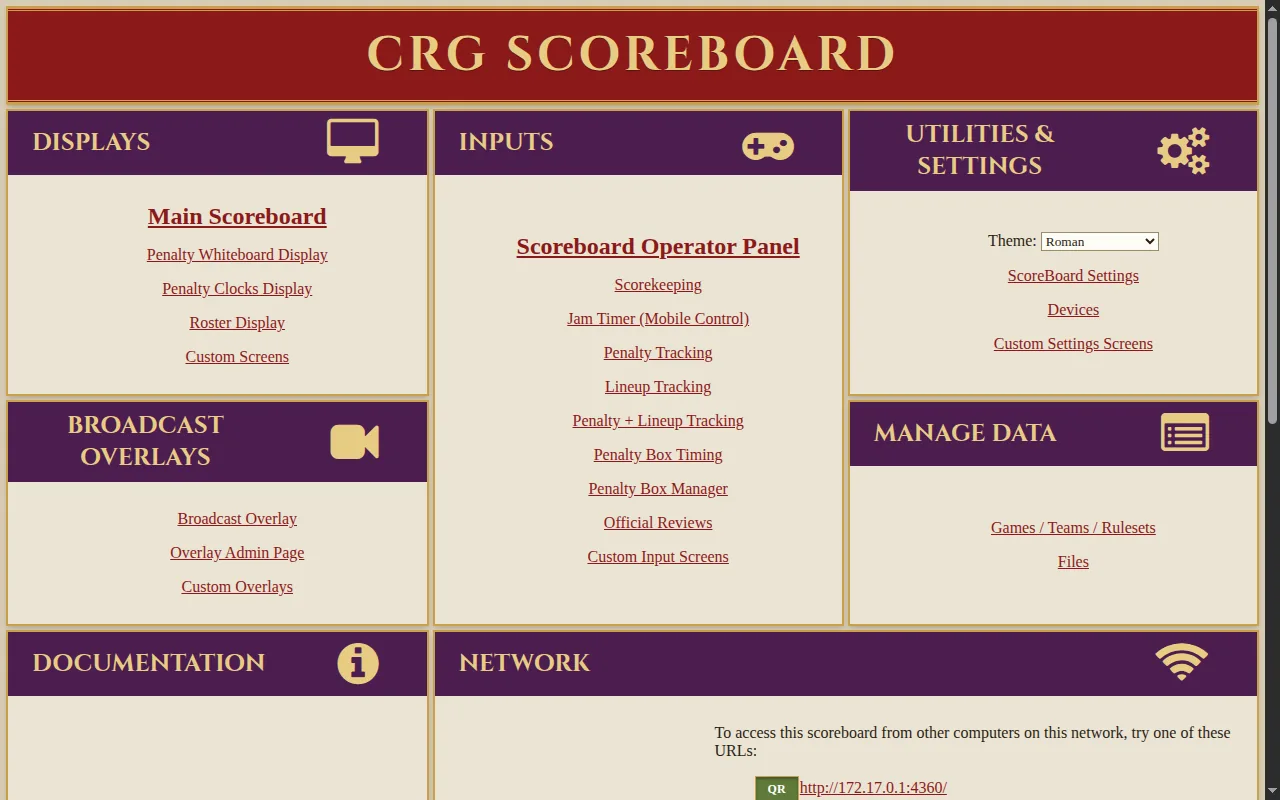
- On the scoreboard's start page open Files, go to Themes and upload the zip.
- Pick it: Theme on the start page for your own screen (remembered in that browser), or Settings › Main Display Settings › Theme for the main display.
Needs a CRG version newer than 2027.1: theme folders, the display theme setting and themeable sheets are in its development version and will be in the next release.